Granola vs Krisp vs AmyNote: Which Bot-Free AI Meeting Tool Fits Your Setup in 2026?
Three bot-free AI note-takers take different approaches: desktop system audio, microphone layer with noise cancellation, or mobile-first. Which fits your workflow?
May 3, 2026
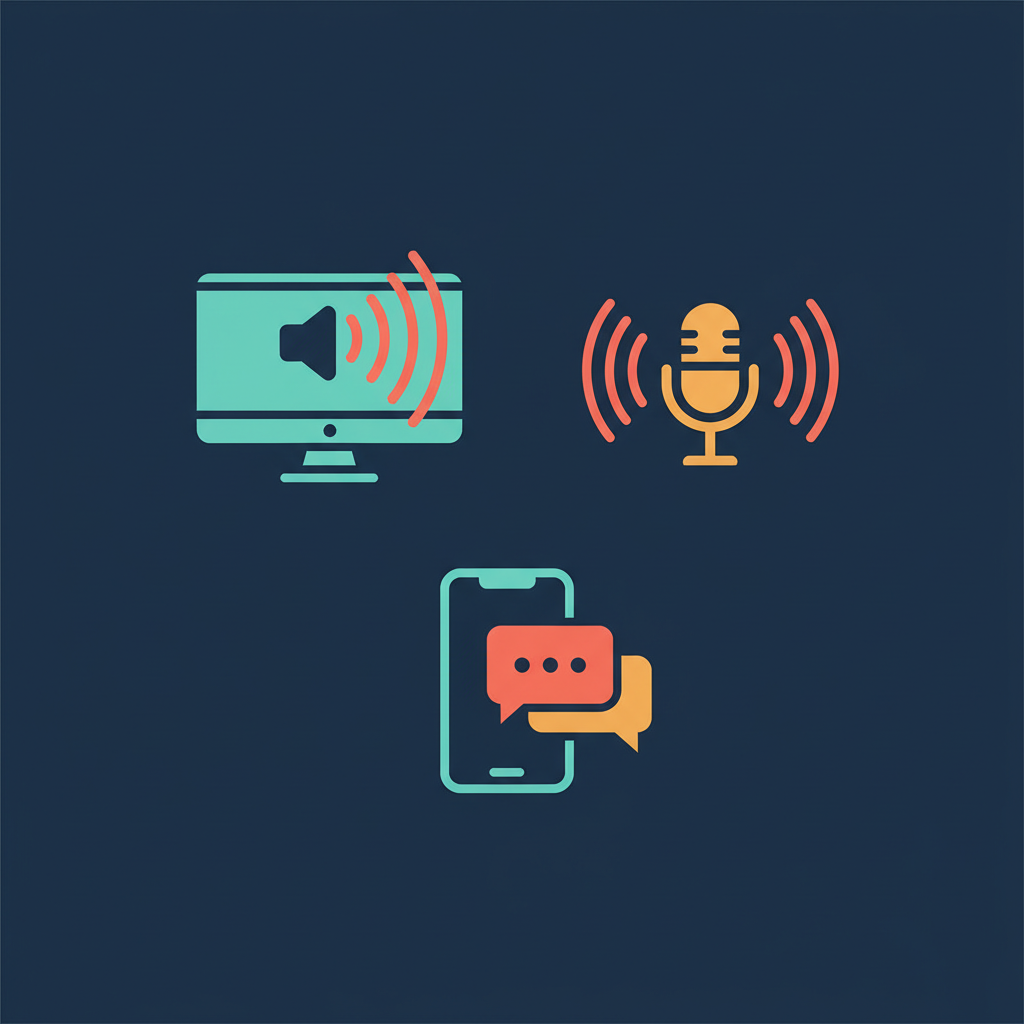
The bot in the meeting is finally on its way out. Three of the most-talked-about AI note-takers right now refuse to send a robot to your call, but they go about it in very different ways. One sits on your laptop and listens to system audio. One layers on top of your microphone with noise cancellation. One lives in your pocket and works the same in a coffee shop as it does on a Zoom.
This piece looks at how those three approaches differ in 2026, and which kind of professional each one fits. We'll cover capture methods, pricing structures, privacy architectures, and the real workflows where each tool excels or falls short.
Quick Verdict
Granola is the desktop-native choice for back-to-back video calls on a Mac or Windows machine. Krisp is the natural pick if your audio quality is the bottleneck and you want noise cancellation plus AI notes in a single subscription. AmyNote is the mobile-first option for in-person conversations, phone calls, and anyone whose meetings happen away from a desk.
What We Compared
- Capture method: where the audio is picked up
- Pricing in 2026: live pages, not legacy data
- Privacy posture: where audio lives, who can train on it
- Best-fit user: not just features, but real workflows
Granola: Desktop-Native, Now Backed by Real Money
Strengths. Granola installs as a Mac or Windows app and captures system audio from any meeting tool. No bot, no calendar invite tax. Notes auto-enhance: you scribble bullets, the AI fills in context after the call. Free tier exists; the Business plan is $14/user/month with unlimited meeting history, custom templates, and integrations including Notion, Slack, HubSpot, Attio, Affinity, Zapier, and MCP. Enterprise is $35/user/month with SSO and team-wide opt-out of model training. Granola raised $125M in March 2026 at a $1.5B valuation, so the roadmap and reliability story is stronger than it was a year ago.
Weaknesses. No web app. No mobile app. If you take a call on your phone or sit in a face-to-face meeting, Granola does not show up. The free tier limits meeting history (typically last 30 days), so anyone serious about long-term recall needs to be on Business. Privacy is opt-out rather than opt-in: the default plan does train on user data unless you actively choose otherwise.
Best for: Knowledge workers in back-to-back video meetings on a desktop, comfortable paying $14/user/month.
Krisp: Audio Middleware Meets AI Notes
Strengths. Krisp built its name on AI noise cancellation, and its Meeting AI now bundles transcription, AI notes, and action items into the same subscription. Free trial is 7 days with full premium access. Pro is $8/user/month with unlimited transcription, unlimited noise cancellation, multilingual transcripts, 1 hour/day of AI accent conversion, and 5 GB of storage. Business is $15/user/month with unlimited accent conversion, Salesforce integration, and 30 GB. Enterprise adds SSO/SCIM and on-device transcription. The accent conversion is genuinely unique and useful for global teams.
Weaknesses. Krisp is not a dedicated note-taking tool. The summary depth is shallower than Granola or AmyNote on long, dense meetings. Storage caps on Pro (5 GB) bite earlier than the marketing implies. The product is fundamentally a desktop audio layer, so in-person and pure-mobile use cases are weaker. Free tier is trial-only now, not a perpetual free plan.
Best for: Distributed teams with audio quality problems, sales teams that need accent clarity on global calls, anyone who already wanted Krisp for noise cancellation alone.
AmyNote: Mobile-First, In-Person Ready
Strengths. AmyNote is an iOS app built around the meetings desktop tools miss: hallway conversations, coffee chats, on-site visits, phone calls. Transcription runs on OpenAI's latest Speech API with 120+ language coverage. AI summaries and search run on Anthropic's Claude Opus. Cross-session speaker memory keeps identities consistent across meetings; the system remembers a name once and reuses it. 3-day free trial with no credit card, then $12.99/week, $19.99/month, or $99/year. No per-minute caps, no AI summary throttle.
Privacy stance. Both OpenAI and Anthropic contractually guarantee zero training on user data. Audio is encrypted in transit; processing copies may be retained to deliver and recover requested features. Transcripts and recordings stay locally on the user's device with encrypted transport.
Weaknesses. No desktop app. Mac and Windows users who want a single tool for everything will find AmyNote covers only the phone half. No native CRM field sync like Salesforce or HubSpot. No video recording. Smaller brand than Granola or Krisp.
Best for: Field professionals, consultants, journalists, lawyers, and anyone whose meetings live mostly off the laptop.
Side-by-Side Comparison
| Feature | Granola | Krisp | AmyNote |
|---|---|---|---|
| Capture surface | Desktop only | Desktop microphone layer | Mobile only |
| Mobile support | None | Companion app, secondary | Primary |
| In-person meetings | No | Partial | Yes, designed for it |
| Languages | Several | 16+ for transcripts | 120+ with real-time translation |
| Entry price | Free (30-day history), $14/mo paid | 7-day trial, then $8/mo | 3-day trial, then $19.99/mo |
| Privacy default | Opt-out of model training (paid) | On-device only on Enterprise | Contractual zero-training, local storage |
| Integrations | Slack, Notion, HubSpot, Attio, Affinity, Zapier, MCP | Salesforce on Business | None yet |
| Bot in meeting | No | No | No |
Choosing the Right Tool for Your Workflow
These tools are not really competing for the same job. The right choice depends entirely on where your meetings happen and what your privacy requirements look like.
Choose Granola if: You live on a desktop in scheduled video meetings and want deep integration with your work stack. The $14/month Business plan makes sense if you're in back-to-back Zoom/Meet/Teams calls and need unlimited history with CRM sync.
Choose Krisp if: Your problem is audio quality first and notes second. If you're already paying for noise cancellation or your team struggles with accent clarity on global calls, Krisp's $8/month Pro plan bundles both needs into one subscription.
Choose AmyNote if: Your meetings happen in person, on the phone, or anywhere a laptop is not open. If you're a consultant, field professional, journalist, or lawyer whose most important conversations happen away from a desk, AmyNote's mobile-first design and privacy guarantees (no Enterprise plan required) make it the natural fit.
The Two-Tool Strategy
The honest answer for many professionals is two tools, not one. A desktop note-taker for the calendar grid. A mobile note-taker for everything else. Pricing supports it: $14/month for Granola and $19.99/month for AmyNote still costs less than a single Enterprise seat at most competitors.
Try the free trials. Notice which meetings each tool captures and which it skips. The best AI note-taker is the one that is actually running when the meeting that matters happens.
Originally published as an X Article.